



Short answer: a WordPress site without maintenance is exposed to three risks: getting hacked through an outdated plugin, dropping in Google rankings and, if it’s an e-shop, losing orders without you noticing. WordPress maintenance (updates, backups and a quick check every month) prevents almost all of this, just like a regular service for your car.
What you skip and what it costs you later
| What you skip | What can happen | Who notices first |
|---|---|---|
| Updates | Hacks, malware, spam pages | Your customers or Google |
| Backups | You lose the site and have nothing to restore it from | You, when it’s too late |
| Checking that everything works | The cart breaks, order emails stop going out | The customer who couldn’t buy |
| SSL certificate & hosting | The browser shows «Not secure», the site gets slow | The visitor who leaves |
Contents
Most business owners get their website built, see that it works and forget about it. That’s understandable. You have a business to run, customers, an accountant, suppliers. The website feels like something that is just «there». Yet every month without care, small problems pile up. At some point one of them blows up, usually on the worst possible day.
Below you’ll see, in plain language, what actually happens to a WordPress site that nobody looks after, how to spot the warning signs early and what you can do about it yourself.

What is WordPress maintenance?
WordPress maintenance is the regular care of your website: updates, backups and checks that everything works. WordPress is the «system» your website is built on. On top of it sit a theme (the design) and a number of plugins. Plugins are like the apps on your phone: one runs the contact form, another the cart, another the card payments.
Just like the apps on your phone keep asking for updates, so do these. Developers release new versions to close security holes they have discovered. In practice, maintenance covers four things:
- Updates to WordPress core, the theme and the plugins, in the right order.
- Backups, so that if something goes wrong you can roll back in minutes.
- Checking that everything works: forms, cart, payments, emails.
- Clean-up and security: removing what you don’t use, strong passwords, reliable hosting.
It sounds simple, and mostly it is. The hard part is doing it regularly, and knowing what to do when one update breaks something else.
1. Why does a WordPress site without maintenance get hacked?
Because outdated plugins have publicly known vulnerabilities, and automated bots constantly scan the web for sites that still have them. It’s the most common problem and the most expensive one. When a plugin goes without updates, its weakness becomes public knowledge. Bots search day and night, automatically, for sites running that exact old version. The targets are random: any site that happens to leave the door open.
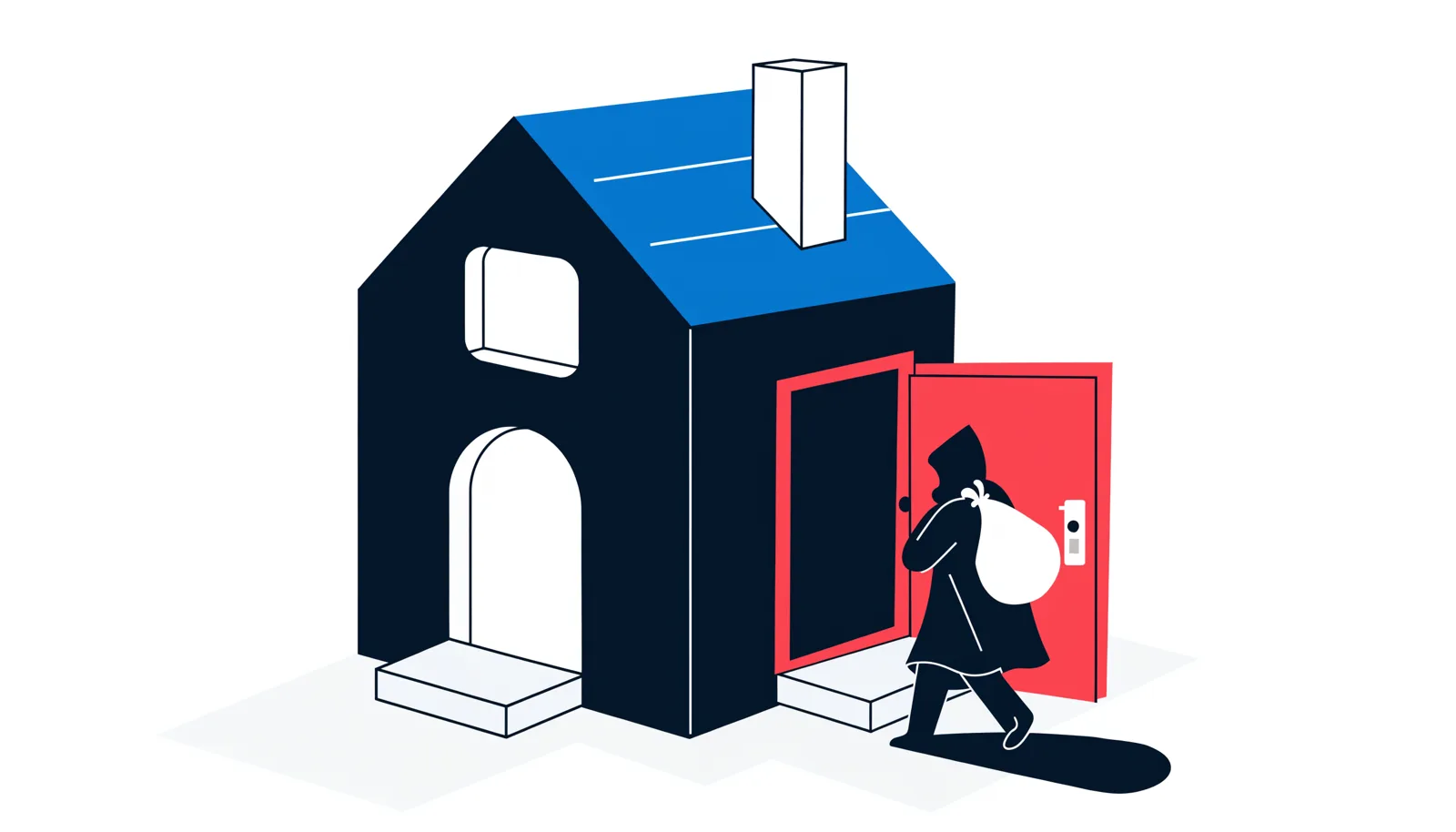
The tricky part is that you usually can’t see it. Your homepage may look perfectly fine. Behind the scenes, though, things like these are happening:
- Google shows pages under your domain about pills, gambling or full of Japanese characters.
- Visitors on mobile are suddenly redirected to another, shady website.
- Your server sends out thousands of spam emails, and your own emails start landing in your customers’ spam folders.
- Your hosting company suspends your account to protect its other customers.
- On an e-shop, someone may inject hidden code into the checkout page to steal card details.
Cleaning up a hacked site takes hours or even days of work: finding the malware, cleaning files and database, changing every password, and asking Google to review the site again. It almost always costs more than a full year of maintenance.
2. Why does a site without maintenance drop on Google?
Because Google favours sites that are secure, fast and working, and a neglected site loses points on all three. You see it quickly in its rankings and in your traffic.
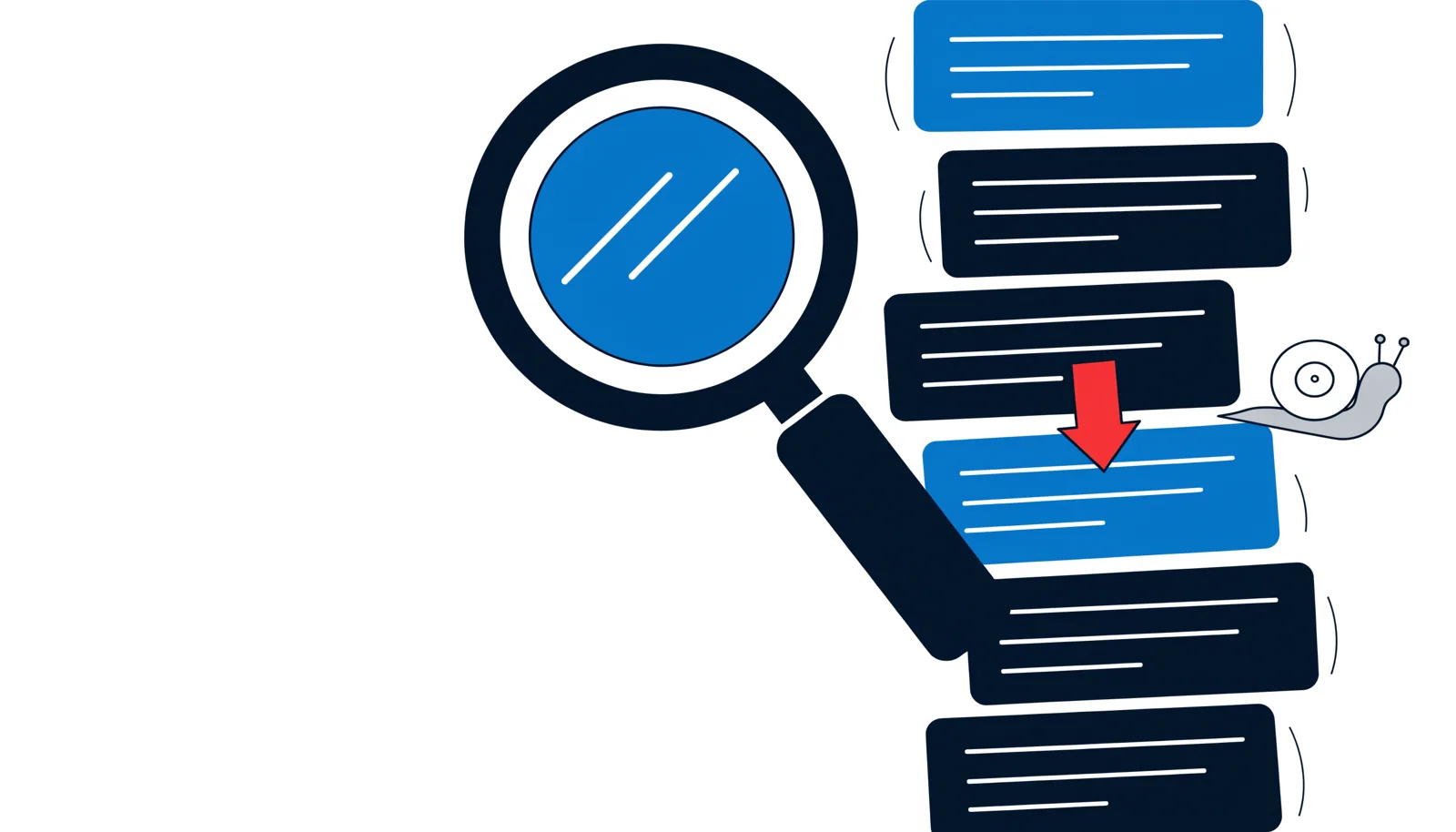
The most common reasons:
- A Google warning. If the site has been hacked, Google may show «This site may be hacked» under your name in the results. Very few people click after seeing that.
- Spam pages under your name. The hundreds of fake pages a hacker adds dilute your site and drag your good pages down with them.
- «Not secure» in the browser. If your SSL certificate expires or breaks, visitors see a warning before they even see your site.
- A slow site. Old plugins, a bloated database and an outdated PHP version (the «engine» on the server) make pages load slowly, and Core Web Vitals suffer.
- Broken links and pages that don’t load. Over the years, errors pile up and Google takes them into account. We cover them in detail in the top SEO problems on WordPress sites.
The worst part: rankings drop fast and come back slowly. Even after the problem is fixed, Google needs weeks to trust the site again.
3. How does an e-shop without maintenance lose orders?
A missing or badly applied update can break the cart, the payments or the order emails, usually without any visible error. In an e-shop, plugins work together: cart, bank gateway, instant payments, courier, invoicing. If you update one and leave the others behind, or if one falls too far behind, something stops «talking» to the rest.
What we see in practice:
- The «Place order» button keeps spinning and nothing happens.
- Card payment returns an error and the customer goes to a competitor.
- The order goes through, but the email never reaches you or the customer.
- The contact form sends messages that nobody receives.
All of this happens quietly. You just see a slow week and blame the season. An example: an e-shop with 10 orders a day and an average order value of €40. If the checkout stays broken for three days, that’s around €1,200 lost, before counting the customers who won’t come back. To see how these numbers work, read our guide on how to increase e-shop sales.
How can I tell my site needs maintenance?
If even one of the following applies, your site needs a check-up. All you need is to know where to look:
- You log in to the dashboard and see lots of red badges with pending updates.
- You can’t remember when the last backup was taken, or where it’s stored.
- The site got slower even though you haven’t changed anything.
- You type
site:yoursite.cominto Google and see pages you never created. - Fewer orders or contact-form messages are coming in, for no obvious reason.
- The developer who built it no longer replies.
What should I do myself every month?
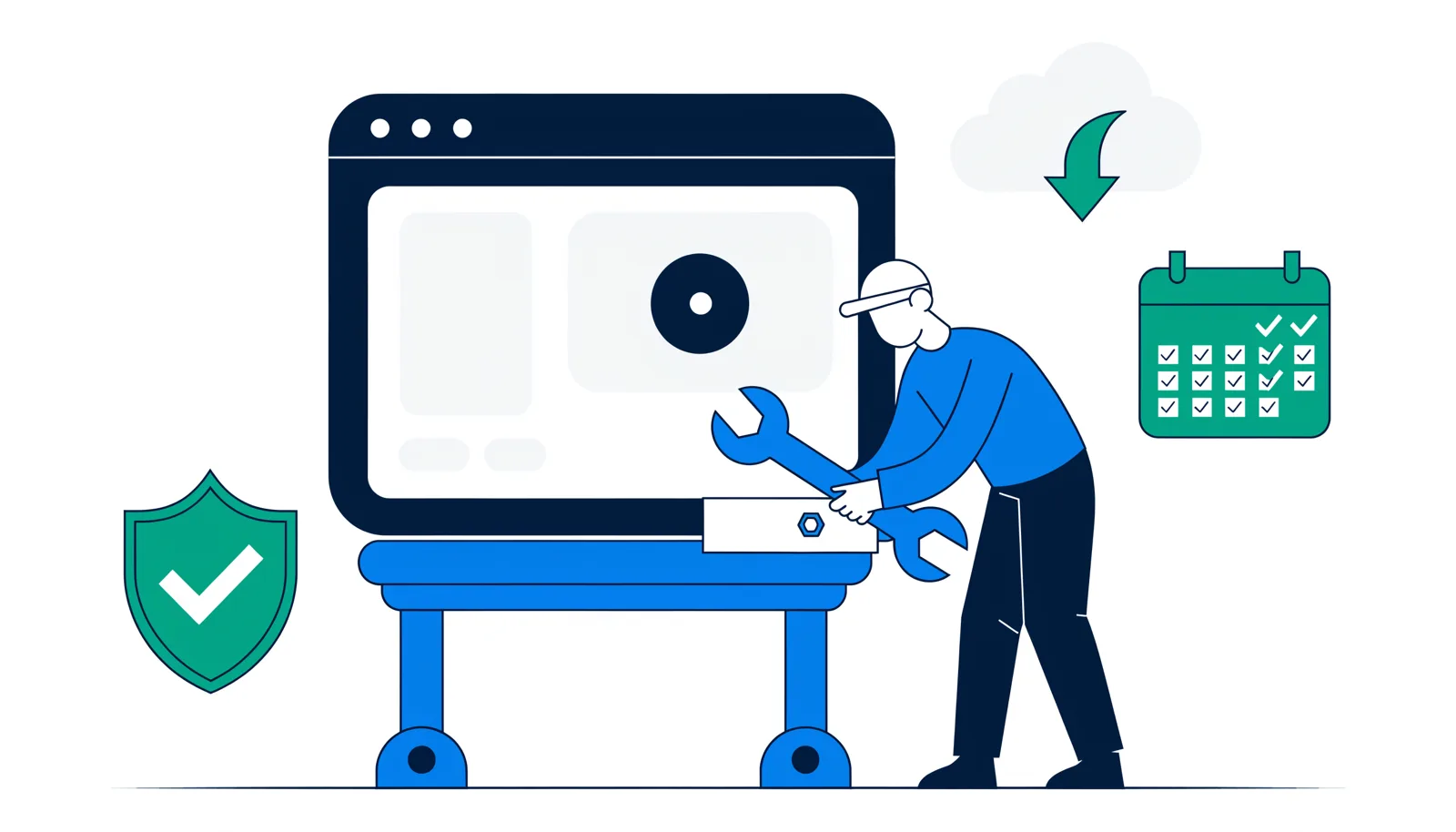
Take a backup, update one thing at a time, test the form or the cart, and do a little clean-up. On a simple site (a few pages, one form) you can do it yourself, in this order:
- Back up before you touch anything. Many hosting companies offer it in one click. Make sure a copy is also kept off the server.
- Update one item at a time. Plugins first, then the theme, WordPress core last. After each one, open the site and check it’s fine.
- Test whatever brings you business. Send a message through the form. If you have an e-shop, place a test order all the way to payment.
- Delete what you don’t use. Deactivated plugins, old themes, users who have left the company.
- Strong passwords and two-factor authentication. Same logic as 2FA on Facebook with Google Authenticator.
- Take a look at Google Search Console. That’s where Google alerts you if it detects a hack or pages that don’t load.
A word of caution: if an update breaks something, don’t start clicking whatever you see. Restore the backup and ask for help. The biggest damage we’ve seen came from rushed «fixes».
When is it worth outsourcing maintenance?
When you run an e-shop, have integrations with an ERP or courier, custom code, or simply little time. In these cases it’s better to leave it to someone who does it every day:
- You have an e-shop. Every hour the cart is down costs money.
- The site is connected to an ERP, a courier or invoicing. A wrong update there can mess up stock and invoices.
- It has custom code written specifically for you.
- You simply don’t have the time and you know you’ll neglect it.
Compare the two costs. Annual maintenance is a known, small amount. A hack or a week without orders is an unknown amount, and usually a bigger one. At WebMate we offer WordPress website technical support and dedicated e-shop support and maintenance plans, with daily backups and 24/7 monitoring.
In a nutshell
A WordPress site without maintenance breaks down slowly, and you usually find out when it has already cost you. Backups, updates in the right order and a quick test of the form or cart every month remove most of the risk. If you’d like us to look at it together, send us a message and we’ll run a first check on your site.
Frequently asked questions
What does WordPress maintenance include?
Updates to WordPress core, the theme and the plugins, regular backups, checks that forms, cart and payments work, and clean-up: removing what you don’t use and keeping passwords strong.
How often should a WordPress site be maintained?
For a simple site, once a month is enough. For an e-shop, security updates should go in within a few days of release, and backups are best taken every day.
Can I just turn on automatic updates?
For minor security updates, yes, they help. For major updates, especially on an e-shop, it’s a risk: the cart or payments can break overnight and you’ll hear about it from your customers. Always with a backup and a check afterwards.
How do I know if my WordPress site has been hacked?
Type site:yoursite.com into Google and look for pages you didn’t create. Other signs: the site redirects to another address on mobile, your emails land in spam, or Google shows «This site may be hacked» in the results.
What should I do if my site has already been hacked?
Change the passwords for the dashboard and the hosting right away, don’t delete files blindly, and have a professional clean it up. After the clean-up, request a review from Google through Search Console.
How much does WordPress maintenance cost?
It depends on the size of the site: a simple website costs less than an e-shop connected to an ERP or courier. At WebMate, annual e-shop support plans start at €330 per year, usually less than a single clean-up after a hack.
Written by the WebMate team, based on what we see every day on the WordPress sites and e-shops we maintain. Last updated: November 2026.



Leave a comment